Tesla indirectly improves Tesla Theater with a clever full-screen trick
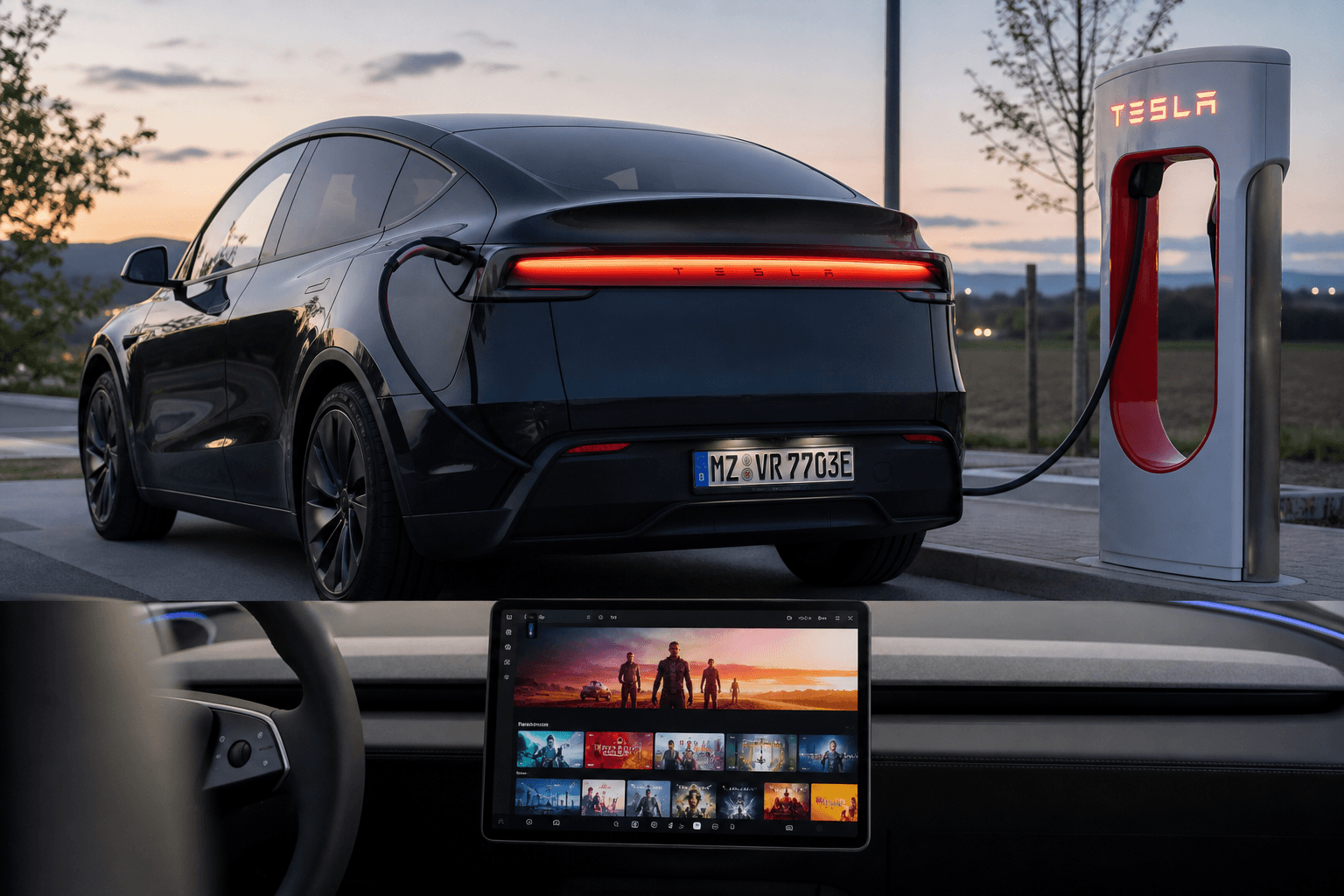
Tesla currently appears to be making it much easier to use additional streaming services in its vehicles. When users open certain streaming websites in the browser, they no longer see the standard view with the address bar and controls. Instead, the sites open directly in a chromeless full-screen view, just like Netflix or YouTube in Tesla Theater.
Importantly, this is not a new app in the traditional sense. Technically, it appears that the system recognizes the relevant website and then automatically launches it in a Theater-like full-screen window.
Which streaming services apparently open automatically in Tesla Theater full-screen mode?
Initial tests show the new behavior on several major platforms. All you need to do is open the relevant service’s website in the Tesla browser, and it will switch to full-screen mode automatically.
| Streaming service | Observed behavior in the Tesla browser | Note |
|---|---|---|
| Apple TV | Opens directly in Theater full-screen mode | May feel like an app to users, but is very likely web-based |
| Disney+ | Opens directly in Theater full-screen mode | Much less fiddling with full-screen buttons |
| HBO Max | Opens directly in Theater full-screen mode | Especially convenient for getting started quickly |
| Paramount+ | Opens directly in Theater full-screen mode | Works like the Theater services already integrated |
| Peacock | Opens directly in Theater full-screen mode | Primarily a US service and of limited relevance in the DACH region |
| Plex | Opens directly in Theater full-screen mode | Interesting for personal media libraries |
| Amazon Prime Video | Opens directly in Theater full-screen mode | Reportedly works reliably via the amazonprime.com domain |
DACH context: Not every service is equally relevant in this region
Some of the platforms listed are particularly popular in the US but are either unavailable or only accessible through workarounds in the DACH region—Germany, Austria, and Switzerland. The practical implication remains the same: If Tesla is rolling out this Theater full-screen detection, it is also a good sign for services commonly used in this region, particularly Prime Video and Disney+.
Even if a service is not detected automatically, video streaming was already possible in the Tesla browser, albeit often with a visible address bar and an additional step required to enter true full-screen mode.
Why this makes a difference in everyday Tesla use
The biggest benefit is not “more content,” but less friction. Whether you are at a Supercharger, briefly waiting for someone, or charging in a parking lot, you can open the website and start watching without a UI border or having to press play and then manually enable full-screen mode.
Everyday benefit: fewer clicks, faster access to full-screen mode, and a Tesla Theater-like experience even for services that are not officially integrated as tiles.
So are these real apps now?
Most likely not. At its core, Tesla Theater has always used web integration—websites displayed in a full-screen, “chromeless” browser window. This allows Tesla to add new services quickly without spending months developing native apps for the infotainment system.
There could be many reasons why the selection of official Theater tiles remains relatively limited, such as coordination with streaming providers or decisions about how aggressively to manage data consumption and the in-car user experience.
What you can do now
- Open your preferred streaming service in the Tesla browser and check whether it switches directly to Theater full-screen mode.
- Save the site as a bookmark so you can find it more quickly at your next charging stop.
- If the service is not detected, start playback and then switch to full-screen mode as usual.
A relevant side effect: Rear displays are the real bottleneck
The browser is already available on the front display. Things become more interesting in vehicles with a rear display, where the selection of directly accessible apps is typically more limited. If Tesla adds more services as proper Theater shortcuts in the future, rear-seat passengers would benefit most from the added convenience because browser workarounds would no longer be necessary.