Tesla App Update: What’s Included in Version 4.60
Tesla is rolling out an update for its smartphone app that primarily affects two areas: Pet Mode Live Activity on Android and new features related to Tesla Assist. Some of the clues do not appear as official items in the release notes but indirectly through new text strings in the app, which typically indicates features that are currently being activated or are close to a server-side rollout.
According to the clues, all current model lines are generally covered, including the Tesla Model 3, Tesla Model Y, Tesla Model S, and Tesla Model X, as well as the Cybertruck. The latter is not yet a mass-market model in the DACH region—Germany, Austria, and Switzerland—but app features are generally maintained across the entire platform.
Pet Mode Live Activity Is Coming to Android
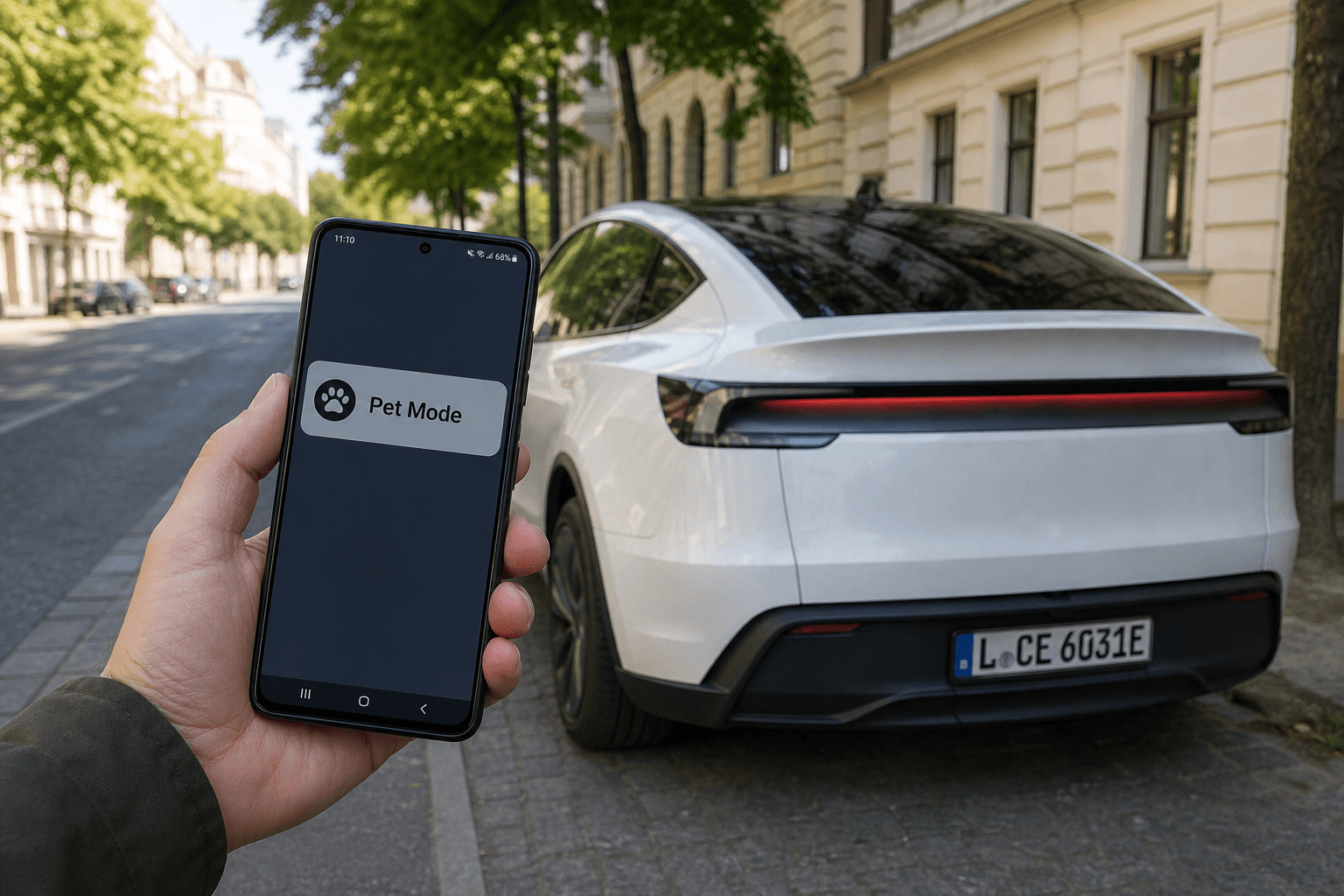
With the 2025 Holiday Update, Tesla introduced a Live Activity for Dog Mode on iOS. The idea is that when the car maintains the cabin temperature in Pet Mode, you receive continuous updates on the lock screen and in the notification view showing the cabin temperature, along with an automatically refreshed image of the interior.
New Android-specific entries in the app now suggest that these live updates are coming to Android as well. Specifically, this involves a persistent notification that provides regular status information while Pet Mode is active, without requiring you to keep opening the app.
In everyday use, this is exactly the kind of feature that reduces stress: a quick glance at your phone is enough instead of “open the app, establish a connection, check the status.”
How This Helps in Everyday Use
- Quick temperature check when your pet is waiting briefly in the car.
- Greater peace of mind through regularly updated images of the interior, provided the feature is implemented in the same way as on iOS.
- Fewer taps in the app because the information remains visible in the system interface.
Important: With Tesla, live views like these often also depend on server-side activation. The app may therefore already be “prepared,” while the display itself is only enabled gradually.
New Pet Mode Avatars: A Small UI Detail, but a Clear Direction
There are also references to additional Pet Mode avatars. That may sound cosmetic, but it shows that Tesla is continuing to develop Pet Mode as its own “mini experience” within the app. Particularly with features that have safety implications, clear visual feedback noticeably improves usability.
Tesla Assist to Accept Photos and Documents
Another interesting development is the next step for Tesla Assist, the app’s AI-based assistant: In the future, users are expected to be able to upload photos and files. This could make support much more targeted—for example, if you attach a photo of the center display, an error message in the app, or a document along with the question, “What does this mean?”
The practical result: Instead of describing at length what you see, you can send an image and let the assistant assess the context. This could be a real time-saver, particularly with “strange” warning messages or configuration questions.
And What About Voice Input?
Tesla recently also added a microphone feature that currently primarily converts speech to text. A “real” voice conversation in which you speak directly with Tesla Assist would be the logical next step, but it has not yet been confirmed here as a finished feature.
Assist History in Messages, but Only Temporarily
Another change: Tesla Assist conversations are expected to appear in the app’s Messages section as recent chats. This is the same area where Tesla normally displays service information or occasional promotions.
The catch for anyone who likes to track “tickets” is that these conversations will apparently be retained for only a few hours before disappearing automatically. Alternatively, you can delete them manually, either with a swipe gesture or by selecting “End” in the Assist window.
What This Means for Germany, Austria, and Switzerland
The app features are generally global, but individual details may vary by region, for example because of legal requirements or rollout strategies. A phased activation is particularly common for Assist features involving uploads and potentially image content. If you have updated the app and do not see anything yet, that is not unusual.
What You Should Check Now
- Update the app to the latest version (Android: Play Store).
- Activate Pet Mode in the vehicle and check whether a live notification appears.
- Check the app’s “Messages” section for new Assist history.
At first glance, the update may seem minor to many users, but it points in a clear direction: less friction in everyday use, more context for support, and better status information exactly where you need it—on the lock screen.