Software updates can unlock new features in a BYD, correct operating issues, or improve communication between control units. Many updates are delivered as an over-the-air (OTA) update via the vehicle’s data connection. However, not all software can be installed at home. Depending on the model, model year, and control unit involved, a visit to a BYD service center may be necessary.
Whether an update is installed wirelessly or at a service center depends not only on its size, but primarily on the vehicle system involved.
Which BYD updates are delivered OTA?
OTA updates often cover the infotainment system, user interfaces, translations, driver assistance features, or general system stability. Settings and individual vehicle functions may also be adjusted. The content actually available varies between models such as the Atto 3, Dolphin, Seal, and Seal U, as well as between software versions and markets.
An infotainment update being displayed does not automatically mean that all of the car’s control units will be updated. The powertrain, battery, charging electronics, and driver assistance systems may each have their own software versions. Some can be updated OTA, while others require diagnostic equipment at a service center.
| Update type | Typical content | Installation |
|---|---|---|
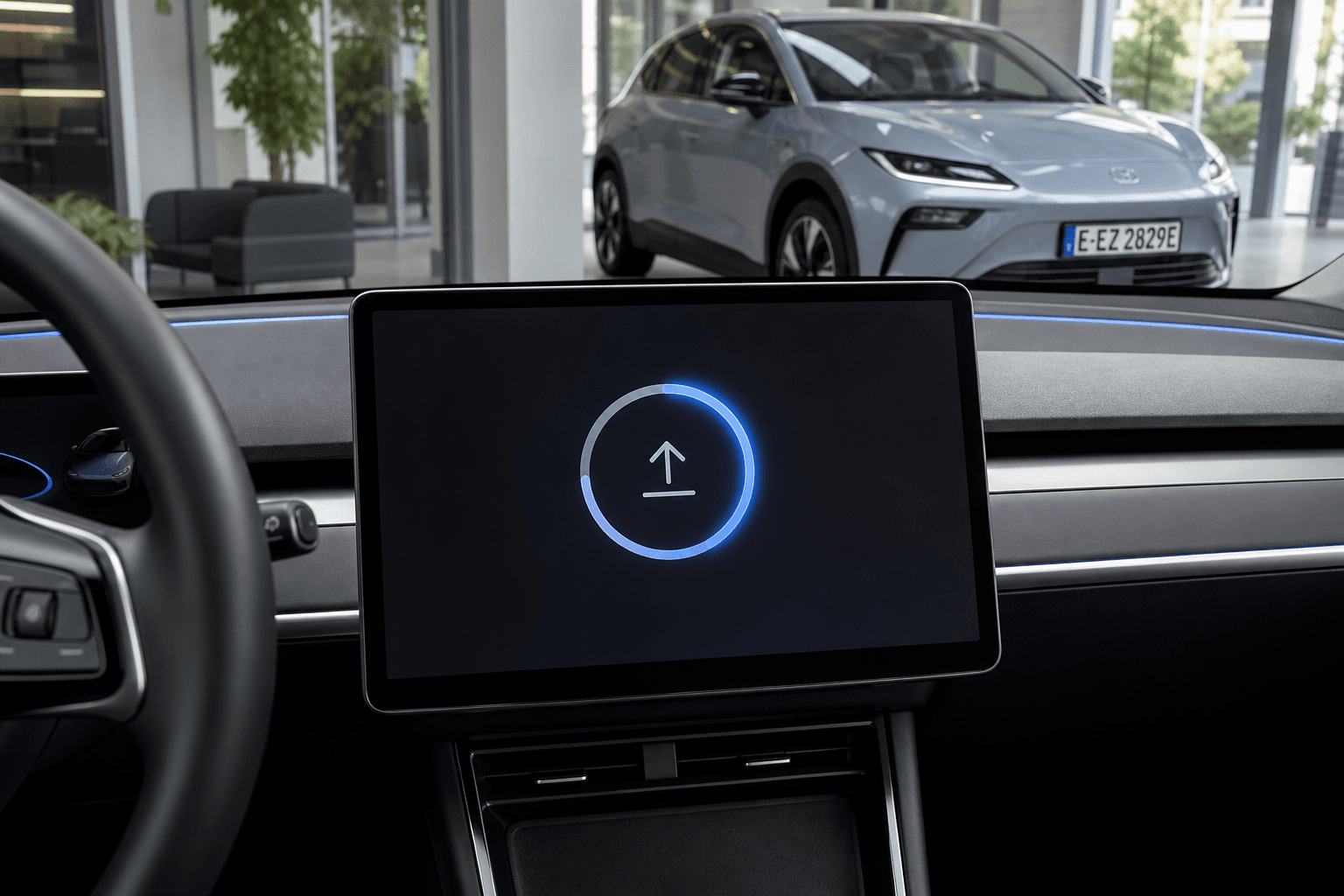
| OTA update | Infotainment, controls, system stability, individual features | Directly through the vehicle |
| Service center update | Control units, diagnostic procedures, complex troubleshooting | By BYD service |
| Recall or service campaign | Safety-related or technically mandated work | According to the manufacturer’s instructions |
Preparing for an OTA update in a BYD
The exact menu name may vary depending on the model and software version. The central display will usually notify you when an update is available. Alternatively, you can check for an update under system settings or software information.
The following requirements should be met before installation:
- The vehicle is parked safely and will not be needed during the update.
- The high-voltage battery has a sufficient charge level.
- A stable mobile data or Wi-Fi connection is available if required by the vehicle.
- The windows, doors, and tailgate are closed.
- Personal settings and important app connections have been checked as a precaution.
The download and the actual installation are two separate processes. The vehicle can often still be used while the update is downloading. During installation, the display, convenience features, or control units may be temporarily unavailable. It should therefore not be started immediately before a planned trip.
How to install a BYD OTA update step by step
- Open the update notification: Read the displayed version information and release notes. They may specify additional requirements.
- Complete the download: Keep the vehicle connected until the software package has downloaded in full.
- Park the vehicle: Park safely, switch off the vehicle, and meet all conditions shown on the display.
- Confirm installation: Install it immediately or select an available time. After that, do not operate the vehicle unless BYD indicates otherwise.
- Check completion: After the restart, check the software version, key settings, and frequently used features.
During the update, screens may remain black, warning lights may appear, or systems may restart. This does not necessarily indicate a fault. Do not interrupt the installation by repeatedly opening the vehicle, attempting to start it, or disconnecting the power supply.
When does a BYD need to go to a service center?
A service appointment is advisable if the vehicle cannot find an announced update, the installation repeatedly fails, or error messages remain afterward. If there are problems with charging, the powertrain, the battery, or safety-related driver assistance systems, you should not wait for a possible OTA update.
For recalls and service campaigns, follow the instructions from BYD or the service center handling the work. In addition to new software, these measures may include inspections, calibrations, or the replacement of components. An update performed at home is not a substitute for this work.
Before the appointment, it helps to have photos of the error message, the current software version, the vehicle identification number, and as precise a description of the problem as possible. This allows the service team to check whether a newer version has been approved for the specific vehicle.
What should you do if the OTA update does not appear?
BYD may roll out updates in stages. As a result, two outwardly identical vehicles will not necessarily receive an update on the same day. The region, equipment, production period, and versions already installed may also play a role.
First, check the data connection, update menu, and software version. A normal restart of the infotainment system may resolve a stuck notification if the owner’s manual provides for this. Never use unofficial software packages, third-party USB files, or hidden service menus. They may impair vehicle functions and complicate diagnostics and warranty matters.
After the update: Check your settings
Major updates may reset some preferences to their default values. It is advisable to briefly check charging limits, regenerative braking, driver assistance systems, climate settings, Bluetooth connections, and user profiles. Update installed → check the settings before your next longer trip.
If the vehicle continues to display warning messages or the brakes, steering, powertrain, or charging system behave abnormally, do not simply continue driving it. In this case, follow the instructions on the display and contact BYD service.