When buying a used Tesla, transferring the registration with the German vehicle registration authority is not enough. The vehicle must also be removed from the seller’s Tesla account and assigned to the buyer’s account. Only then will key app features such as vehicle status, climate preconditioning, charging management, and Phone Key be fully available.
The vehicle registration identifies the registered keeper, while the Tesla account assignment controls digital access to the vehicle.
What to Prepare Before Handover
The buyer needs their own Tesla account. It should be set up with an email address that they intend to use permanently. Depending on the transfer process, proof of ownership or registration may also be required. The documents accepted by Tesla may change and will be shown during the process.
For a smooth handover, the following should be available:
- Vehicle identification number, or VIN
- Registration documents and purchase agreement
- Identity card or other proof of identity, if requested
- Both key cards and any other existing keys
- Access to the vehicle’s touchscreen
The seller should not remove the car from their account several days before the actual handover. Conversely, it should not remain connected to the seller’s account for an unnecessarily long time after payment and handover.
Step-by-Step Transfer
- Prepare the accounts: The buyer signs in to the Tesla app with their own account. The seller checks that the vehicle is displayed correctly in their app.
- Hand over the vehicle: Once the purchase agreement has been completed, the buyer receives the vehicle, documents, and all key cards. The mileage and time of handover should be documented.
- The seller removes the vehicle: The Tesla app or Tesla account includes controls for adding and removing products or vehicles. The exact wording may change with app updates. The seller selects the vehicle and follows the prompts to remove or transfer it.
- The buyer adds the Tesla: In their account, the buyer starts the process for adding an existing vehicle. This usually requires the VIN and, where applicable, proof of ownership or registration.
- Wait for approval: The vehicle may be assigned immediately, or Tesla may need to review the request. Until the process is complete, the key cards remain the most reliable way to access the vehicle.
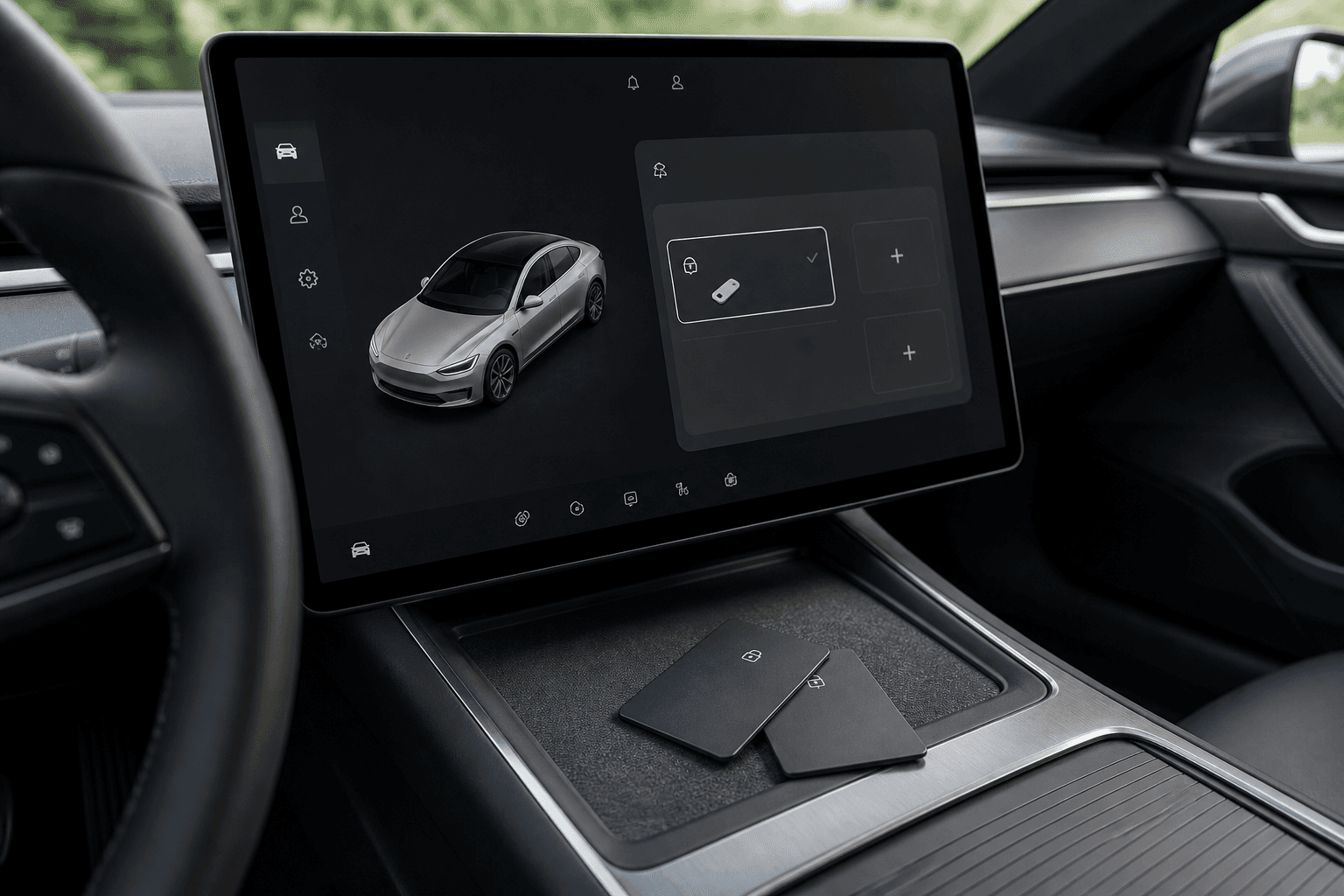
- Set up the app key again: Once the car appears in the buyer’s account, the smartphone can be paired as a Phone Key through the Tesla app. A key card must be inside the vehicle for this process.
Seller and Buyer Responsibilities
| Seller | Buyer |
|---|---|
| Remove personal data from the vehicle | Set up their own Tesla account |
| Remove the vehicle from their account after handover | Upload the VIN and supporting documents |
| Hand over all keys and documents | Create a new Phone Key and driver profile |
| Delete saved addresses and paired devices | Add a payment method for paid charging sessions |
Deleting Personal Data and Access Permissions
Before handover, the seller should remove navigation destinations, home and work addresses, paired phones, garage door connections, and saved media and account data. The safest option is to perform a factory reset using the vehicle’s touchscreen. This may require entering the Tesla account credentials.
Resetting the vehicle and removing it from the Tesla account are two separate processes. A factory reset deletes personal settings but does not necessarily end the account assignment. Removing the vehicle from the account without clearing its data may, in turn, leave information in the car.
After taking possession, the buyer should check the key management settings to see which Phone Keys, key cards, or key fobs are registered. Any unknown digital keys must be removed. New owner → new access management.
What Happens to Software, Charging, and Subscriptions?
Not every digital service automatically transfers to the buyer. Some features are permanently linked to the vehicle, while others are tied to an account, subscription, or specific contractual terms. This may apply to connectivity services, driver-assistance packages, or special charging rates, for example.
The information shown in the vehicle details and on the invoice should therefore be checked before purchase and clearly documented in the purchase agreement. The seller’s advertising claims alone are not reliable proof. After the account transfer, the buyer should also add their own payment method so that paid charging sessions are billed correctly.
If the Previous Owner Cannot Be Reached
If the Tesla was purchased from a dealer or the seller has not removed the vehicle from their account, the buyer can initiate the ownership transfer themselves. Tesla will generally request suitable documentation and review the application. A properly completed purchase agreement listing the VIN, buyer, seller, and handover date makes it easier to assign the vehicle.
At least one working key card should be available until the transfer is confirmed. Without a key card or app access, additional service assistance may be required. Testing both cards is therefore an essential part of the vehicle handover.