Grok Makes Tesla Reminders Location-Based
Tesla is expanding Grok from a conversational companion into a practical in-car assistant. Following the introduction of navigation commands, the AI can now also save reminders that appear when the vehicle reaches a specific location.
The feature arrived with the 2026 Spring Update, so it is not tied to the later Summer Update. However, Grok and location-based reminders must be enabled for the vehicle, region, and installed software version.
The key difference from a standard reminder is that Grok does not notify you at a set time, but when you are near the relevant location.
One-Time and Recurring Reminders
A Reminder for the Current Trip
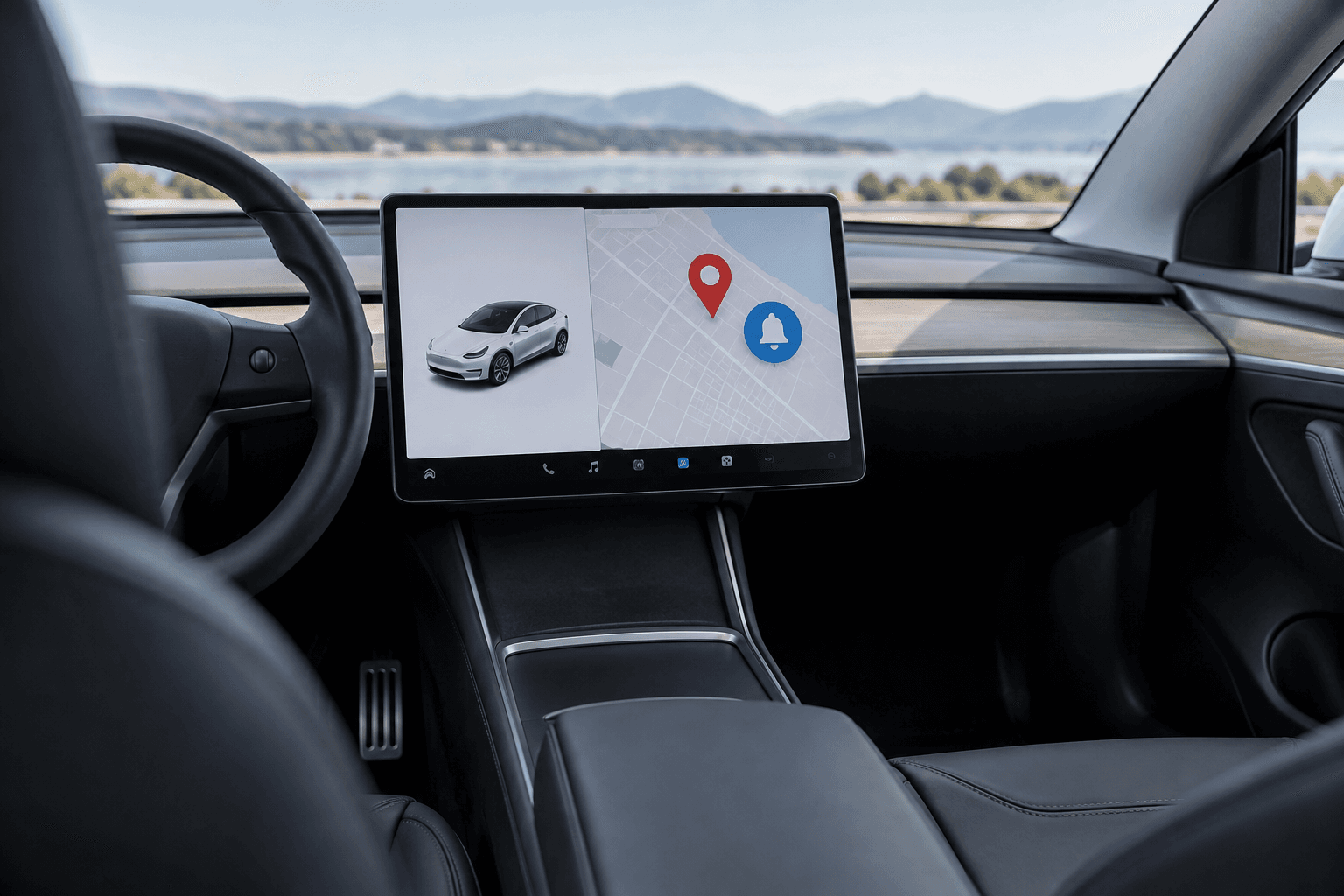
During active navigation, a voice command such as “When I arrive at my destination, remind me about the food in the trunk.” is all it takes. Shortly before reaching the destination, the Tesla displays a notification on the touchscreen and also plays an audible alert.
An active route is not strictly necessary. Grok can also remember a specific supermarket, workplace, or other location and trigger the reminder on a later visit.
Recurring Reminders for Routines
A reminder can remain permanently active if desired. Typical commands might be: “Every time I get home, remind me to plug in the car” or “When I get to work, remind me about my bag on the back seat.”
Tesla uses a geofence with a radius of approximately 500 meters. This means the reminder appears as the vehicle approaches, rather than only after the driver and passengers have left the car.
How to Manage Grok Reminders
- Launch Grok using the designated activation command.
- State the desired location, task, and, if needed, recurrence.
- Use the command “Show me all my reminders” to view saved entries.
- Edit or delete reminders that are no longer needed using voice commands.
The reminders are assigned to the currently active Tesla driver profile. If another person uses their own profile, the primary owner’s personal shopping lists or charging reminders will not appear there.
These Requirements Apply
| Requirement | Details |
|---|---|
| Infotainment hardware | MCU3-generation AMD Ryzen processor |
| Internet connection | Premium Connectivity, Wi-Fi, or smartphone hotspot |
| Grok mode | The “Assistant” personality must be selected |
| Software | 2026 Spring Update or a newer compatible version |
Older vehicles with an Intel Atom processor do not support Grok or these reminders. Whether a particular Tesla Model 3 or Tesla Model Y is compatible therefore depends not only on the model name, but primarily on its production date and infotainment hardware.
Location Supported, but Not Yet Battery Level or Time
At present, Grok essentially processes only the saved location for these reminders. Multi-step conditions cannot yet be combined reliably.
- No combination of location and time
- No triggering based on battery level
- No connection to temperature or other vehicle data
A command such as “When I get home after 8 p.m., remind me to charge” therefore does not yet work as intended. The same applies to a notification that should appear only when the battery level is below 30%.
This particular combination would be especially useful in everyday life: low battery level and arrival at home → charging reminder. It would prevent unnecessary notifications when the battery already has sufficient charge.
A Small Feature with Genuine Everyday Value
Location-based reminders may initially seem unremarkable, but they solve a typical problem with conventional voice assistants. The information appears exactly where it is needed, without requiring drivers to tap through menus while on the road.
At the same time, Tesla is expanding Grok to control climate settings, seat heating, and vehicle settings. References in the vehicle documentation also point to a future messaging feature, although they do not indicate a confirmed release or launch date.
Even in its current form, the feature demonstrates how voice AI can become more useful in a car. The main capability still missing is support for combined conditions that allow Grok to evaluate location, time, and vehicle data together.