When changing a tire or carrying out work on a vehicle lift, an Xpeng G9 with air suspension must not simply be raised. The Jack Mode must be activated first. It prevents the automatic self-leveling system from attempting to compensate for the change in vehicle height.
Jack Mode must be activated before lifting and must not be switched off until the vehicle has been fully lowered.
Why is Jack Mode necessary?
The air suspension normally keeps the body at a specified height. If a wheel is unloaded with a jack or a workshop raises the entire vehicle, the height sensors detect an unusual position. Without Jack Mode, the system could add or release air while the vehicle is on the jack or lift.
This can change the vehicle’s position and cause unnecessary suspension movement. Vehicle raised → automatic height control must be disabled. The mode therefore protects both the air suspension and the person working on the vehicle.
Does this apply to every Xpeng G9?
The deciding factor is the suspension equipment. Jack Mode is relevant for G9 versions with electronically controlled air suspension. On a vehicle without air suspension, the corresponding menu option may be absent. As equipment and software versions vary, consult the vehicle-specific digital owner’s manual if in doubt.
Activating Jack Mode
Before activation, the vehicle must be parked safely on level ground. The exact names of individual menu options may change slightly following software updates.
- Choose a safe location: Park the G9 on firm, level ground. Switch on the hazard warning lights if the surroundings require it.
- Secure the vehicle: Select P and activate the parking brake. Everyone should leave the vehicle before it is raised.
- Open the vehicle settings: Open the vehicle settings on the center display. Navigate to the section for suspension, vehicle height, maintenance, or service.
- Switch on Jack Mode: Select “Jack Mode” and confirm activation. A message on the display should indicate that the mode is active.
- Check the confirmation: Do not position the jack or start the vehicle lift until the vehicle clearly indicates that the mode is active.
If the menu option is grayed out, close the doors and tailgate, select P, and wait for any ongoing height adjustment to finish. If this does not help, follow the owner’s manual for the installed software version.
Lifting the G9 correctly
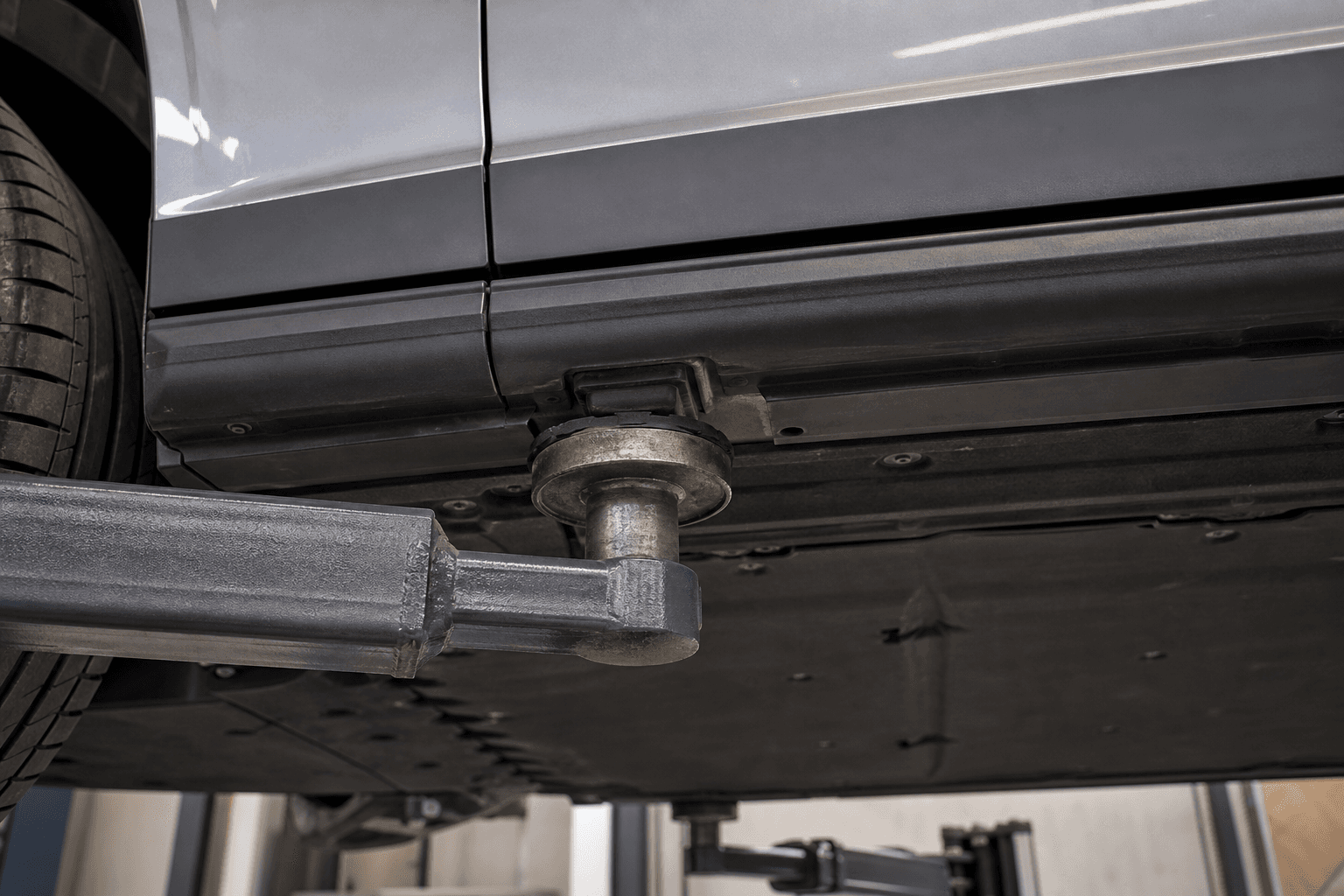
The jack may only be positioned at the designated jacking points on the underside. These are located in the manufacturer-marked areas near the side sills. Using an unsuitable jacking point can damage trim panels, body structures, or high-voltage system components.
- Use only a jack with sufficient load capacity
- Use suitable jacking adapters and stable jack stands
- Never work beneath a vehicle supported only by a jack
- Do not position the jack under the high-voltage battery or its protective cover
When using a vehicle lift, all lifting pads must be positioned correctly. If there is any uncertainty, have a workshop familiar with the G9’s lifting points carry out the work.
Deactivating Jack Mode
After completing the work, lower the vehicle slowly and fully onto the ground. All wheels must be bearing weight, and the jack or vehicle lift must no longer be supporting the vehicle. Jack Mode can then be switched off in the same settings section.
The air suspension can then readjust itself. Minor changes in height or brief compressor noises may be normal during this process. Before driving, check that no suspension warning is displayed and that the vehicle is sitting level.
Avoiding common mistakes
| Mistake | Possible consequence | Correct procedure |
|---|---|---|
| Lifting without Jack Mode | Unintended self-leveling | Activate the mode before positioning the jack |
| Incorrect jacking point | Damage to the underside or battery | Use only the marked lifting points |
| Switching off too soon | Suspension movement while lowering | Deactivate only after the vehicle is on the ground |
| Working with the vehicle supported only by the jack | Immediate risk of injury | Support the vehicle properly |
The menu layout may look different after a software update. If Jack Mode disappears despite the vehicle having air suspension, or if a suspension fault is displayed, do not lift the vehicle. In this case, consult the digital owner’s manual or contact Xpeng Service.