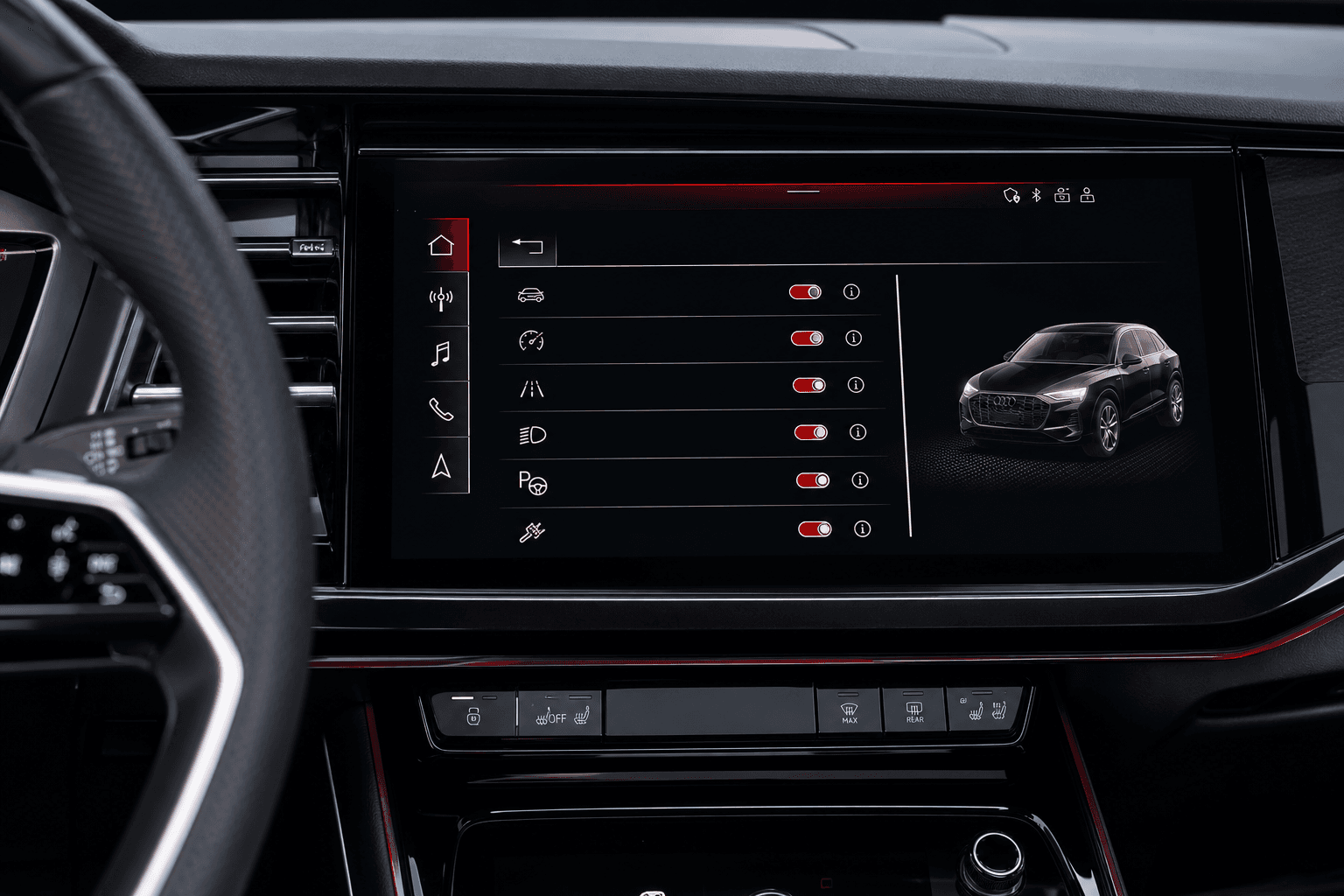
Audi Functions on Demand allows certain equipment features to be activated digitally after the vehicle has been purchased. However, this only works if the vehicle already has the necessary hardware and software. The available features therefore depend on the model, model year, country and the vehicle’s specific equipment.
Functions on Demand does not add missing hardware; it activates features for which the vehicle is already technically prepared.
Which features can be activated?
The available options may include features related to infotainment, navigation, lighting or driver assistance, for example. Not every option is available for every vehicle. The only definitive selection is the one Audi displays after the vehicle has been linked to the myAudi account.
The concept differs from conventional optional equipment: the necessary technology is already installed in the vehicle, but its use is enabled only through a digital authorization. This allows a feature to be tested after purchase or activated later when needs change.
Booking requirements
Using the service generally requires a compatible vehicle, a myAudi account and the vehicle to be correctly linked to that account. Depending on the model, a primary user may also need to be designated in the vehicle or their identity verified. The vehicle requires a data connection so that the activation can be transmitted.
- Add the vehicle to the myAudi account
- Set up the primary user or another authorized user
- Check whether the desired feature is available
- Add a supported payment method
If a feature does not appear in the booking section, this does not necessarily indicate a technical problem. The vehicle is often not equipped with the necessary technical preparation, or the option is unavailable for that model or market.
Booking Functions on Demand
- Link the vehicle using the myAudi app or myAudi portal.
- Open the section for vehicle features that can be booked after purchase.
- Select the desired feature and review what it includes.
- Choose one of the available terms and check the displayed price.
- Pay for the booking and wait for the feature to be activated in the vehicle.
Transmission may take some time depending on cellular reception and the vehicle’s status. The vehicle should be in an area with a data connection. If the activation does not appear, restarting the vehicle and synchronizing the myAudi account will often help. If the feature remains locked, contact Audi Support or an Audi dealership.
Terms and renewals
Depending on the feature, Audi may offer several fixed terms as well as permanent activation. The booking screen shows which options are actually available. Prices and term options may change and should therefore be checked immediately before purchase.
| Booking type | Suitable for | Important information |
|---|---|---|
| Short term | Testing, vacations or seasonal needs | The feature is deactivated when the booked period ends |
| Longer term | Regular use | Compare the total cost with permanent activation |
| Permanent activation | Keeping the vehicle long term | The authorization is generally assigned to the vehicle |
The terms shown during the ordering process determine whether a fixed-term booking renews automatically. Buyers should not assume that it works like a conventional streaming subscription. They should check the order confirmation, end date and renewal terms. When the authorization expires, the feature is deactivated again. This does not affect the vehicle’s normal ability to drive.
What happens when the Audi is sold?
When the vehicle is sold, the key point is that the digital activation is generally linked to the vehicle, not to any other Audi model owned by the previous owner. It therefore usually cannot be transferred to their next vehicle.
Permanent activation generally remains with the vehicle and may make it more attractive as a used car. A fixed-term booking can only be used until its specified end date. The seller should not promise any remaining term without checking the order confirmation and terms of use.
Checklist for sellers
- Document booked features and their respective end dates
- Distinguish between permanent and fixed-term activations in the purchase agreement
- Remove personal data and user profiles from the vehicle
- Remove the vehicle from the seller’s myAudi account after handover
What buyers should look for
Prospective buyers should test the features directly in the vehicle and request proof of permanent activations. Listings stating “navigation included” could refer either to a permanently active feature or to a booking that will soon expire. After taking ownership, the new owner must link the vehicle to their own myAudi account. They will then be able to see which additional Functions on Demand are available to book.
Purchase permanently or book temporarily?
A short-term booking makes sense if a feature is initially being tested or is needed only temporarily. Anyone planning to drive the vehicle for several years and use the equipment regularly should compare the total cost of longer bookings with permanent activation. If the vehicle is likely to be resold, a permanent activation linked to the vehicle is generally easier to explain than a package with only a short time remaining.